Loomova
Jewelry image-to-3D and bas-relief guides
Practical guides for converting jewelry photos into 3D reference models, grayscale depth maps, bas-relief STL files, and CNC-ready workflow inputs.
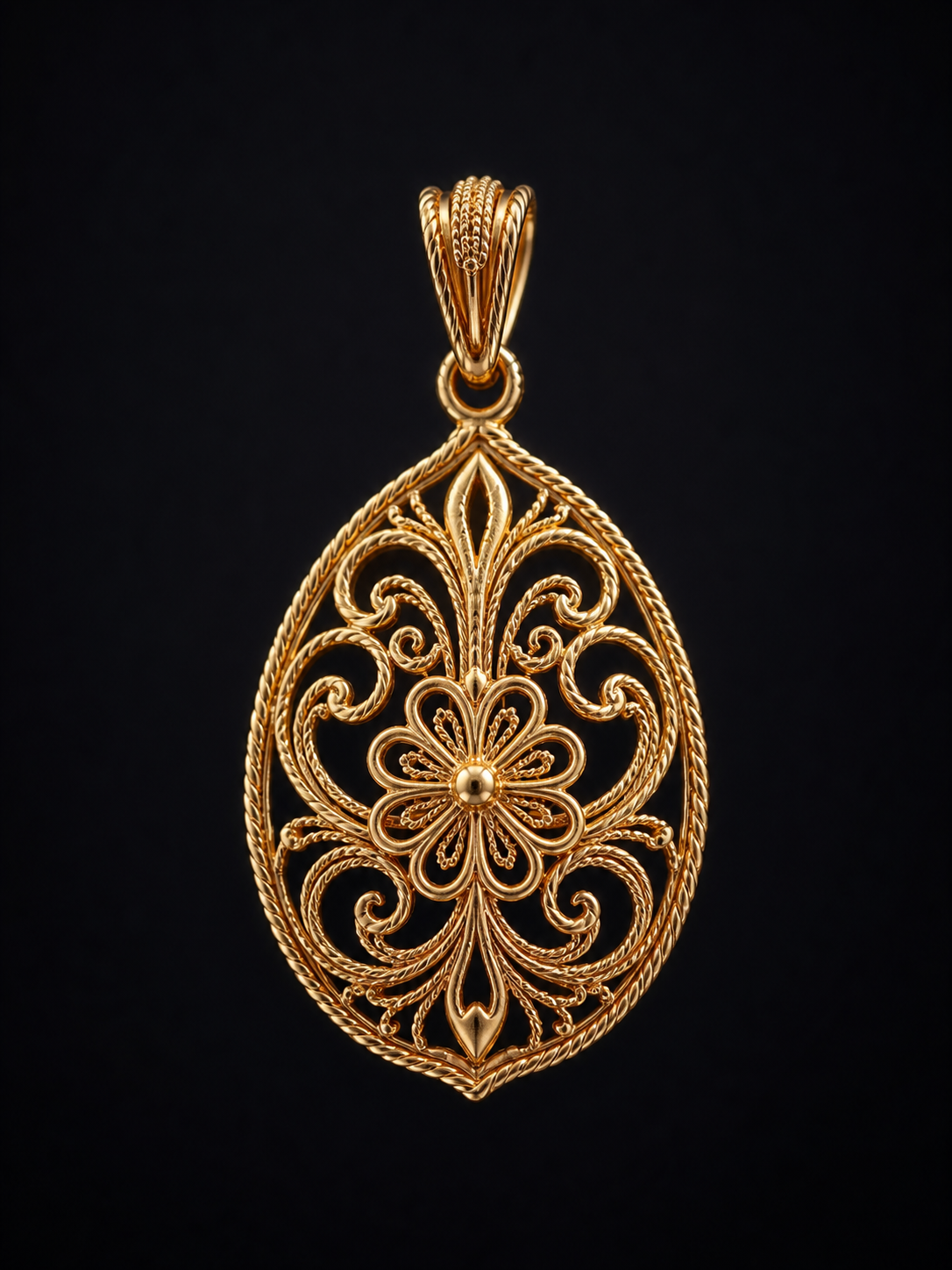
Product2026/06/05
Compare and roll back: make every iteration traceable
Generative workflows produce random results — version history lets you retry boldly, rolling back when you don't like it and moving on when you do.
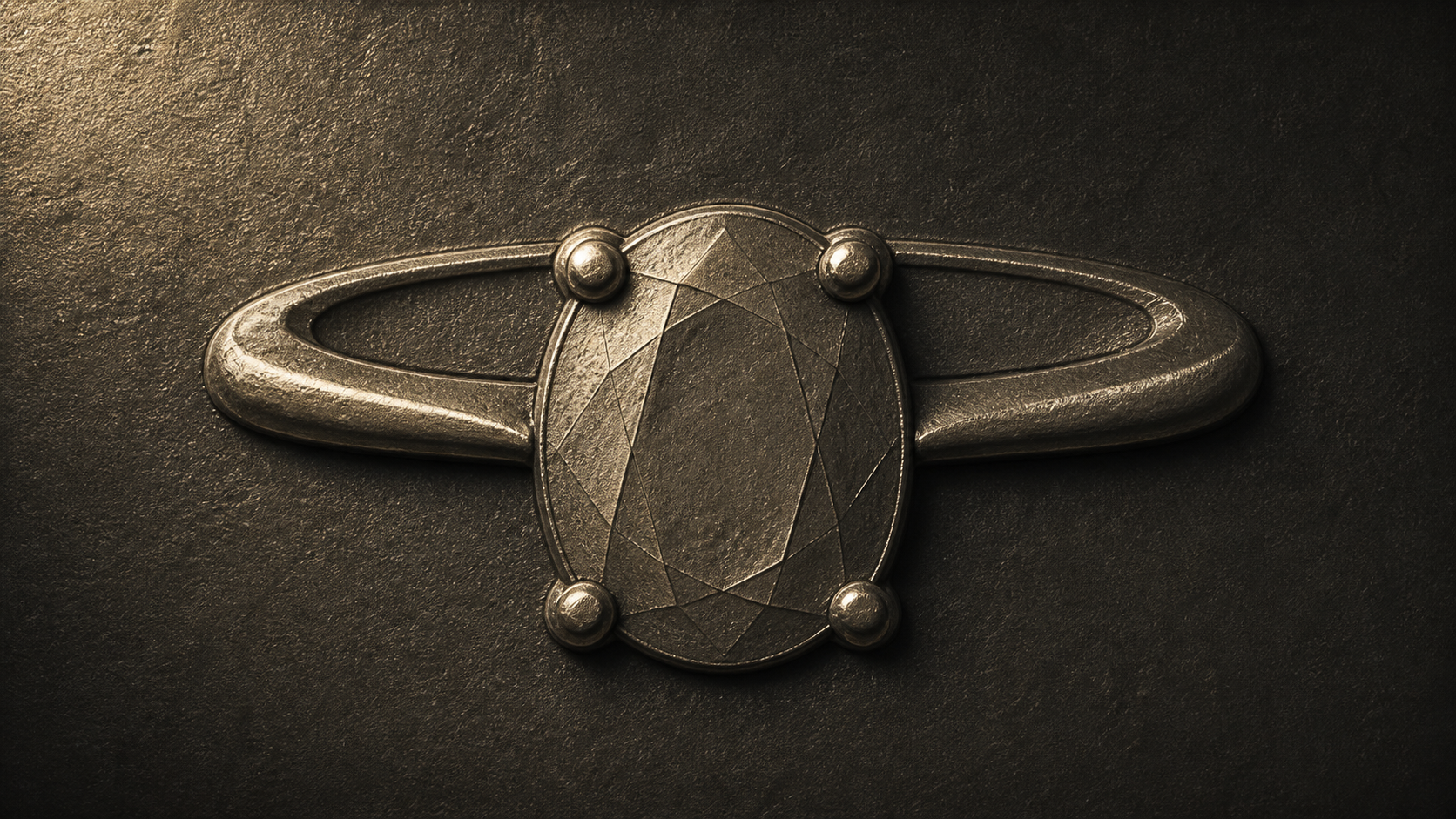
Guide2026/05/28
Using relief-style renders to assess craft details
Relief renders are more than good looks — they translate a piece's depth into grayscale height information, bridging the design and the engraving proof.
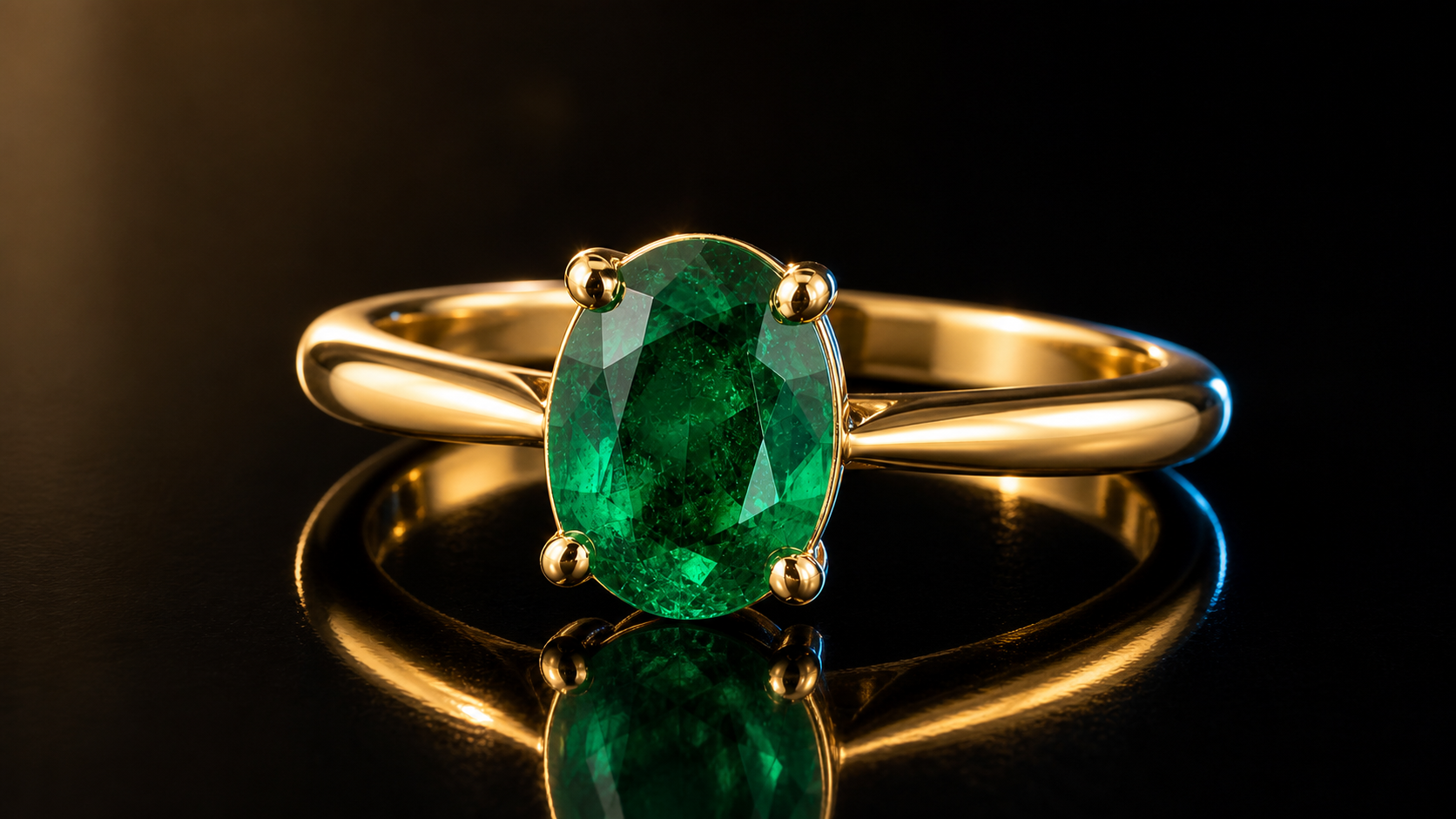
Guide2026/05/20
From a single jewelry photo to a reviewable 3D preview
A walkthrough of the core Loomova workflow — upload a jewelry photo and generate a depth map, a relief-style render, and a 3D preview in turn.