Standalone depth map tool
Generate a depth map without running the full 3D or bas-relief pipeline; the result still goes to project history.
AI image to depth map
Upload one jewelry image and run the depth map generator as a standalone tool. Preview the grayscale height field as a rotatable 3D relief, then export depth PNG for bas-relief, displacement, CNC carving, or 3D reconstruction reference.
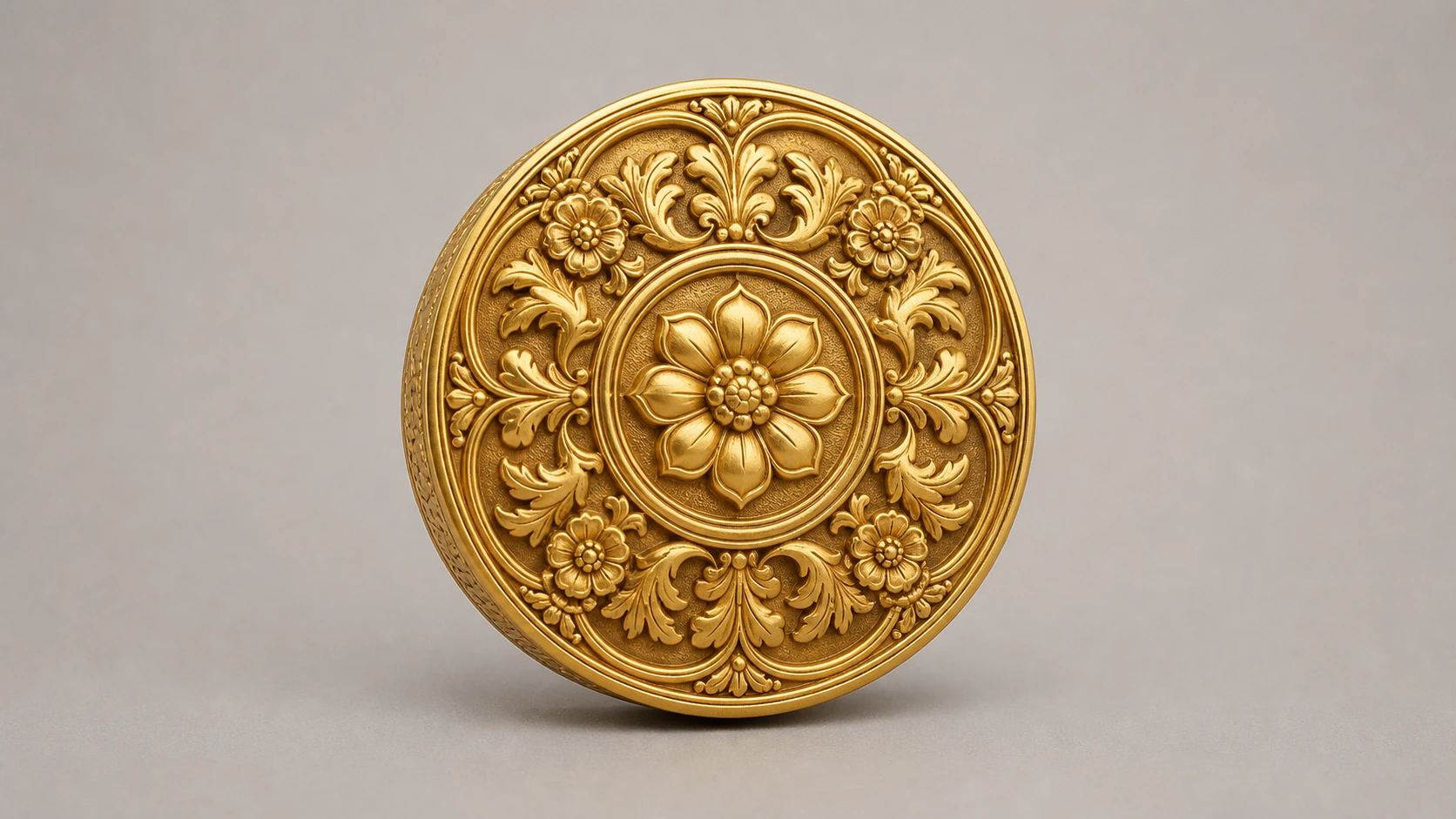
Text is saved only as a project note and does not guide "Cutout" · Drop a jewelry image to use it as input
By uploading, you confirm you hold the rights to this image and agree to the Terms of Service and Privacy Policy.
Sign up for 40 credits for real generations · failed steps auto-refund
Generate a depth map without running the full 3D or bas-relief pipeline; the result still goes to project history.
Brighter values represent higher areas and darker values lower areas, ready for height-field and displacement workflows.
Inspect the generated height field from different angles before reusing it for bas-relief, displacement, or modeling reference.
Use a sharp, tightly cropped photo with a clear silhouette, even lighting, and minimal reflections or occlusion. Remove a busy background and upscale a small source first when needed; blank margins and soft details give the model less useful depth information.