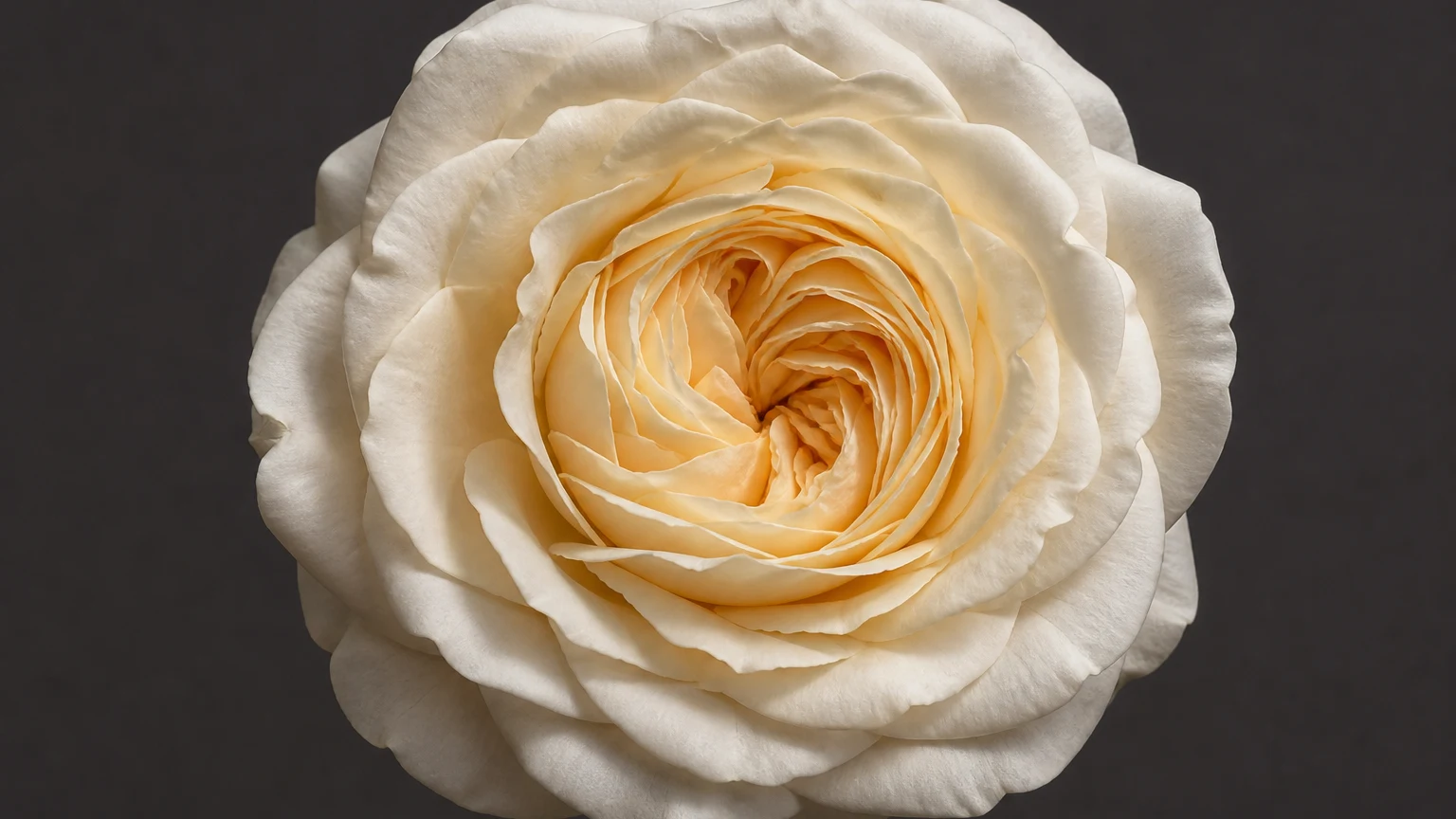
 Source
Upload a flat jewelry photo
AI image to 3D for jewelry
Generate a rotatable 3D reference model, grayscale depth map, or adjustable bas-relief from one jewelry image. Export GLB or STL, with OBJ where available.
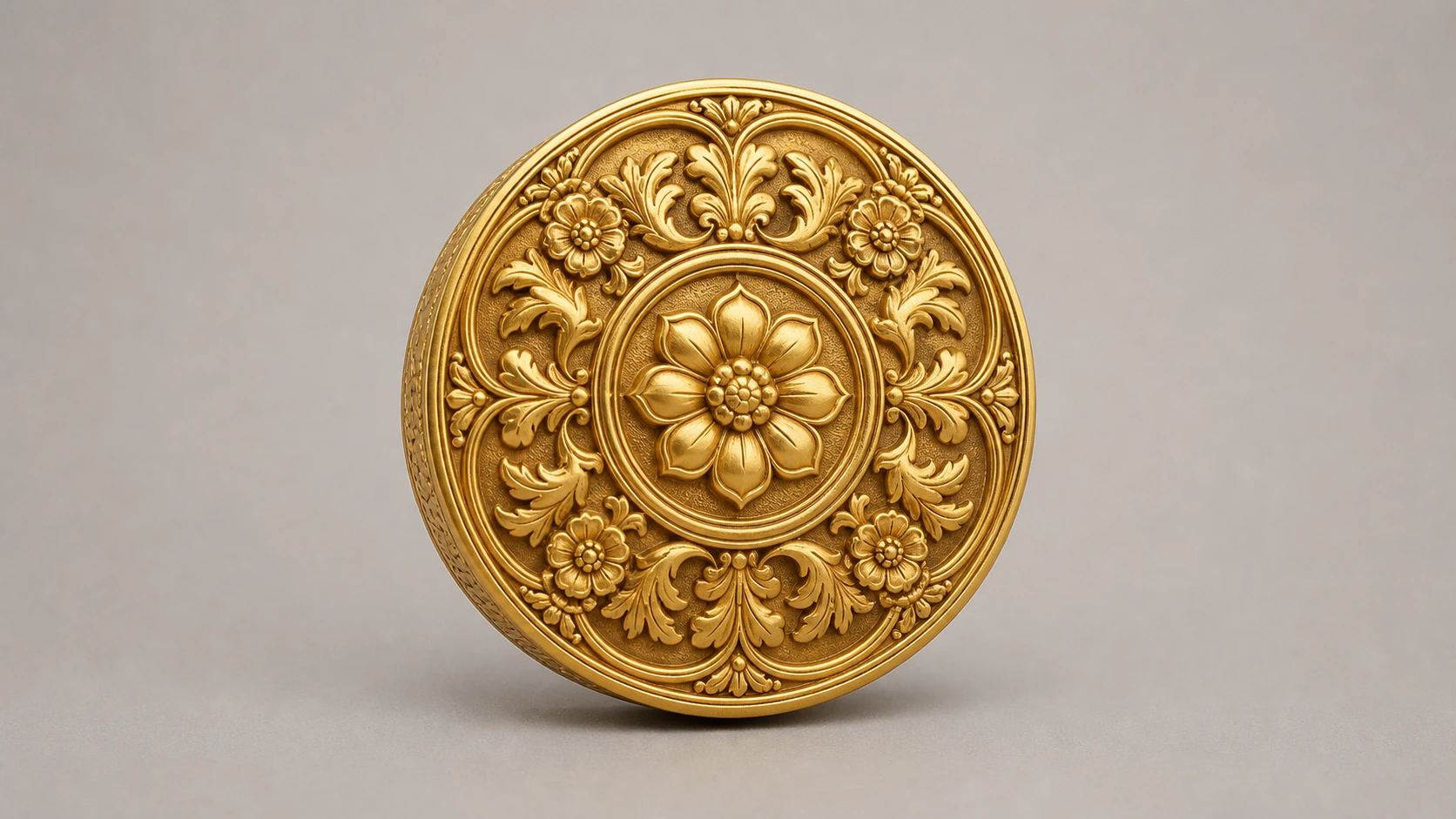
Text is saved only as a project note and does not guide "To 3D" · Drop a jewelry image to use it as input
By uploading, you confirm you hold the rights to this image and agree to the Terms of Service and Privacy Policy.
Sign up for 40 credits for real generations · failed steps auto-refund
Photo to bas-relief
Generate a grayscale depth map, inspect the height field in 3D, adjust the relief, and export an STL for CNC carving, engraving, or lost-wax sampling.
SourceUpload a flat jewelry photo
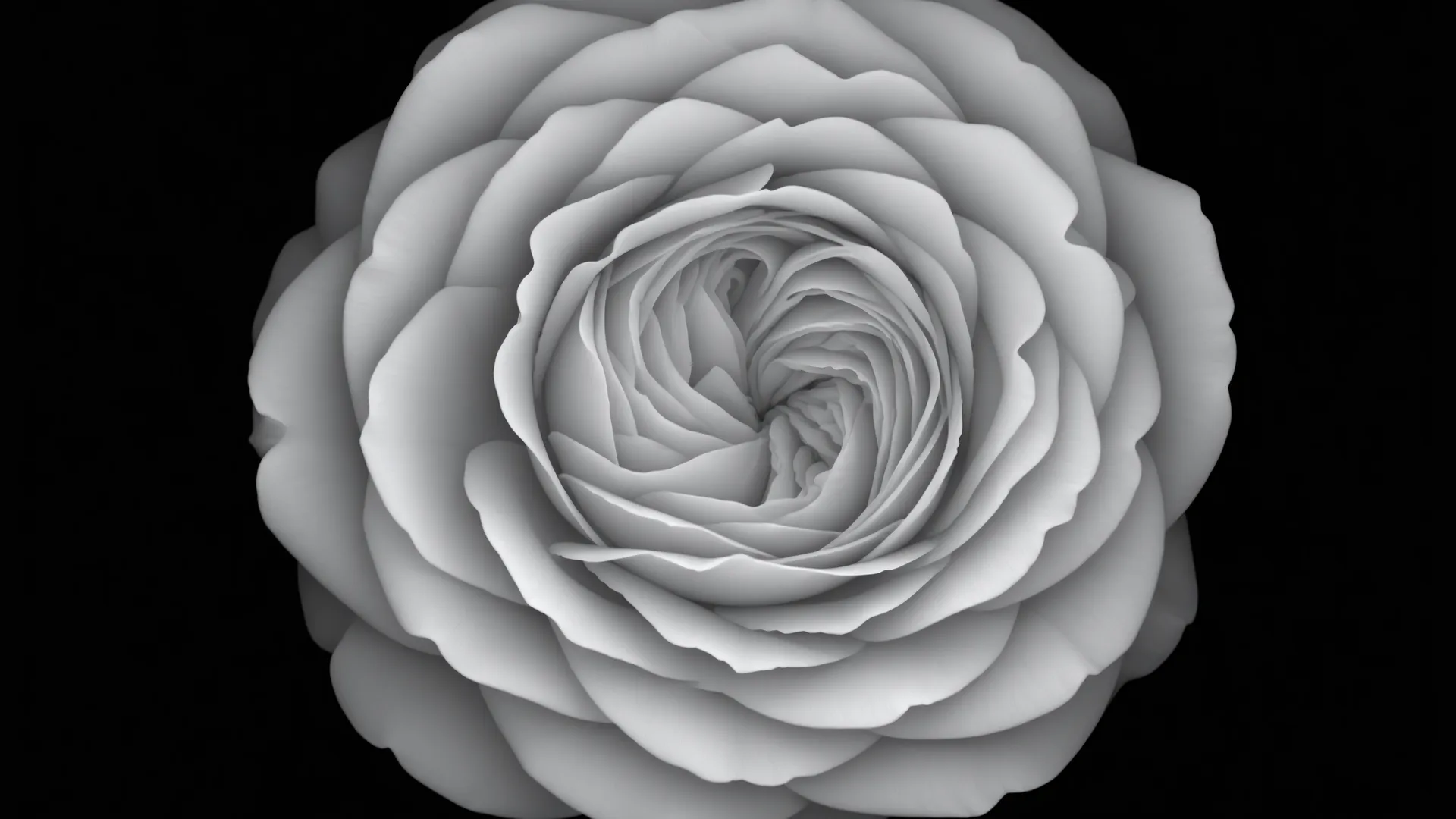 Depth map
Generate a grayscale depth / height map
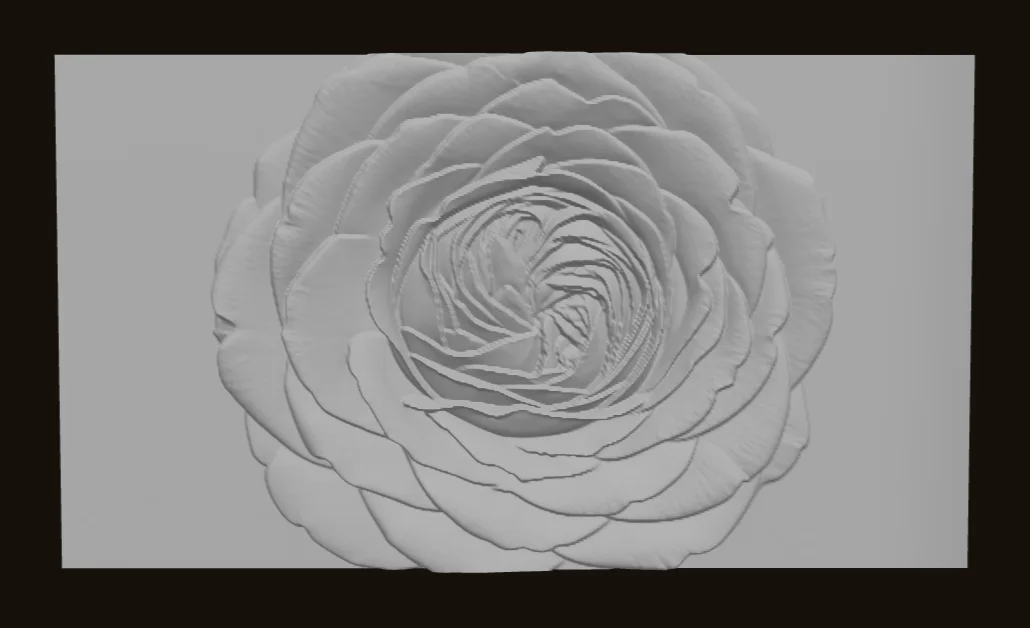 Adjust relief
Tune height, smoothing, and depth direction
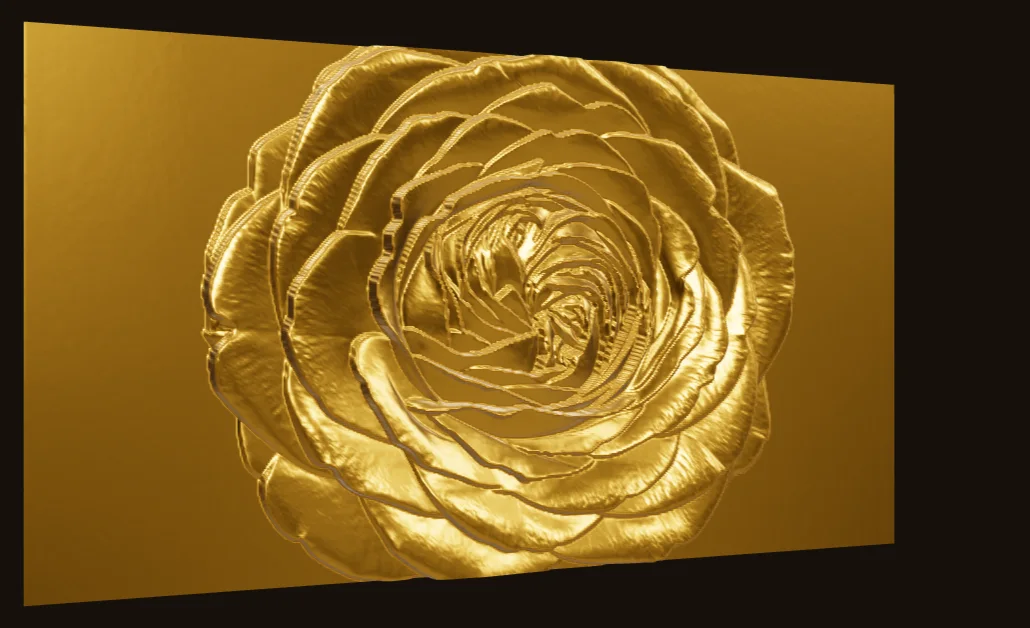 Preview and export
Inspect the relief in 3D, then export binary STL
Jewelry image to 3D
Loomova reconstructs a textured 3D reference model from one jewelry photo. The example below is an actual generated GLB rendered live in your browser.
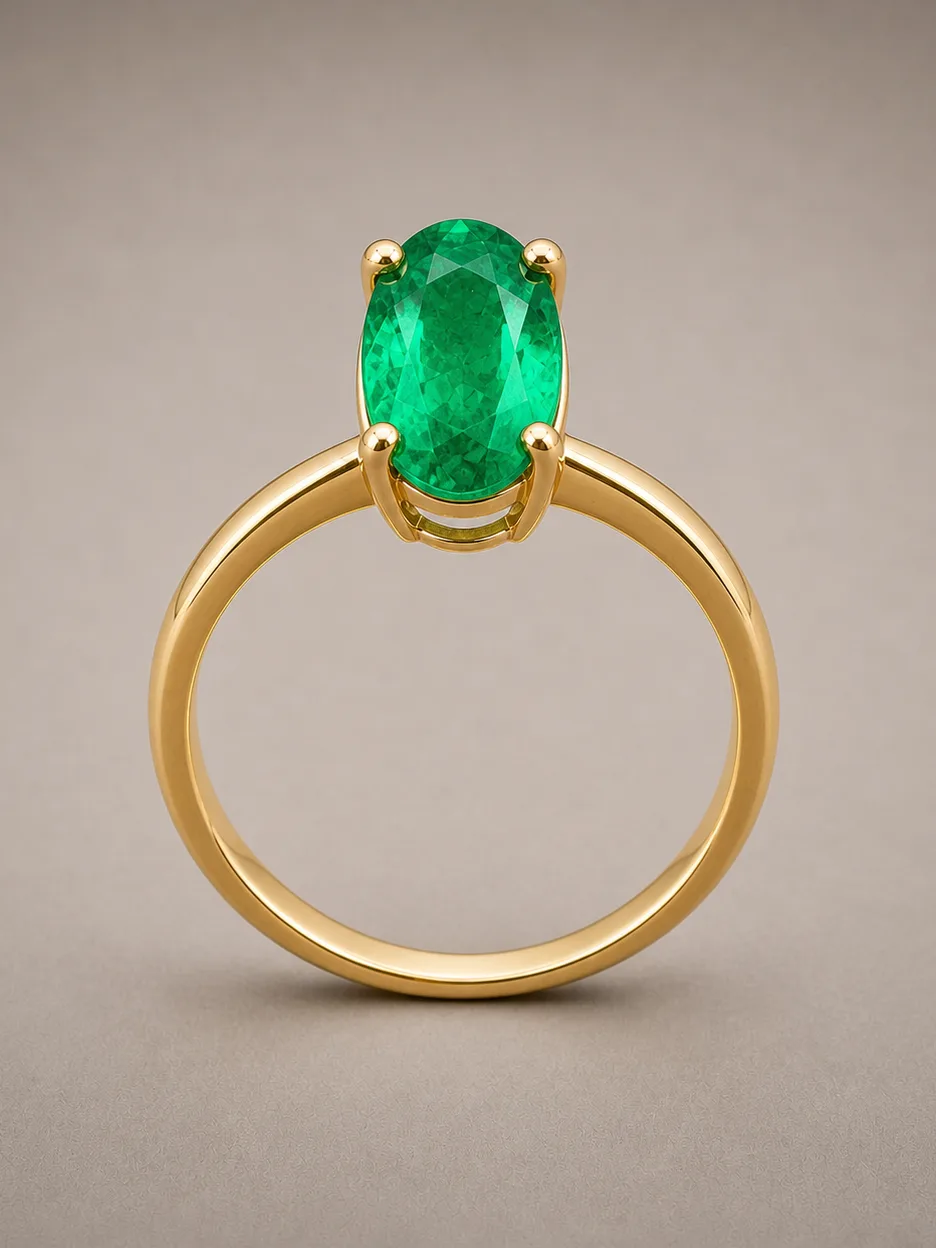 Source photo
Upload one clear jewelry image
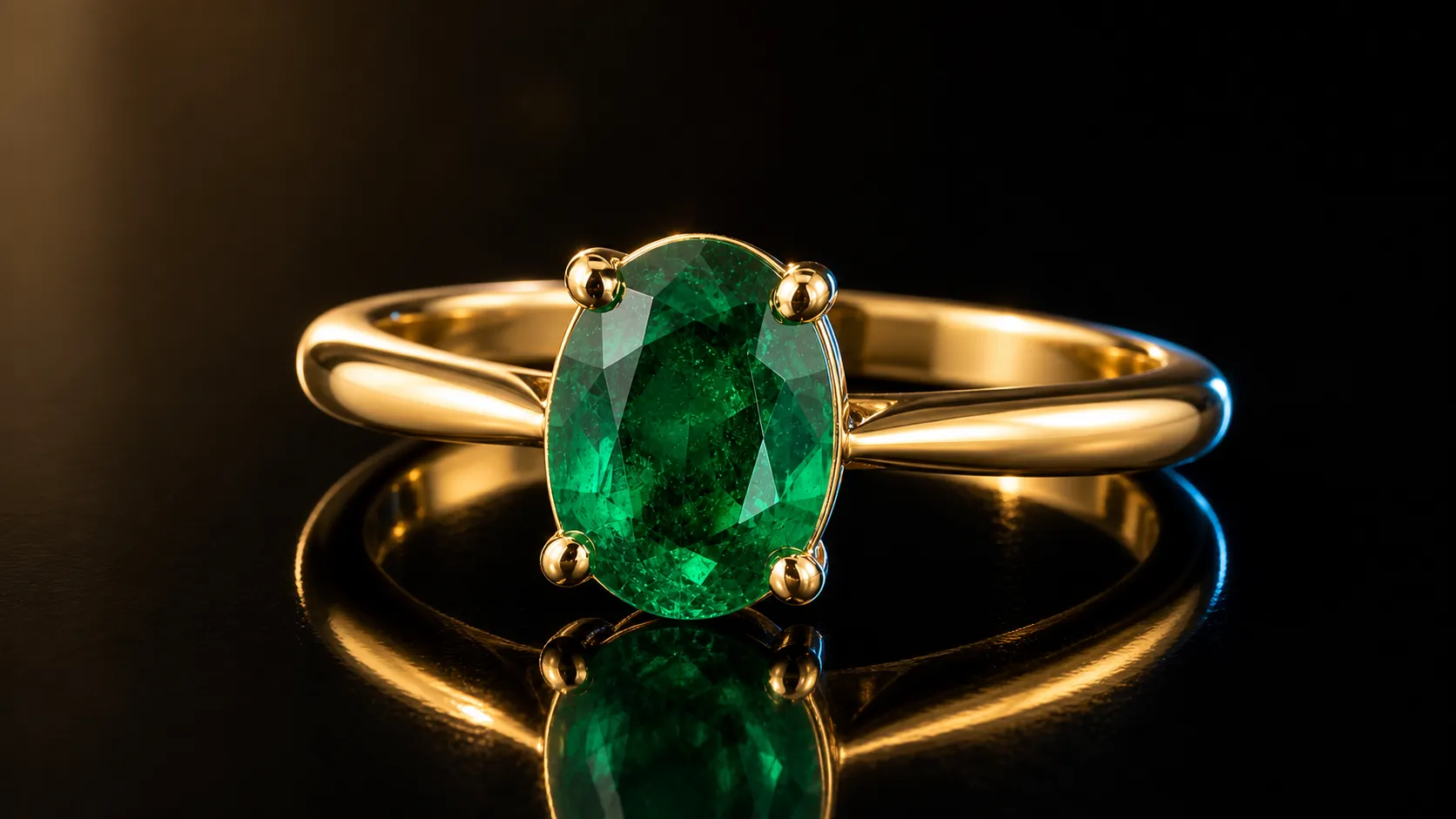 Preview and export
Rotate the 3D reference, then export GLB or OBJ
Start with the file you need, then upload a photo to open the matching workflow.
Select an output to start
One jewelry workflow
Designers, 3D modelers, and sampling teams can run each tool separately, compare saved versions, and download the right file for the next step.
Keep every version in one project
Run 3D, relief, or depth separately
Export GLB, depth PNG, STL, or optional OBJ
Start with 40 free credits. Billed per processing node, auto-refunded on failure. Upgrade or top up anytime.
No. Image-to-3D output is a reference-grade mesh for design review, presentation, and modeler refinement; it is not production CAD. Bas-relief STL and depth maps can enter CNC, engraving, or lost-wax sampling workflows, but you should validate dimensions, mesh integrity, and process settings before manufacturing.
Upload and preview before signing in. Create an account for 40 starter credits when you are ready to generate.